Features
Make 40+ calls per hour with real-time collaboration
Your candidate and staff share a live call session with notes that appear instantly. Avoid duplicate calls and miscommunication, with an app candidates can also use on their own.
Send personalized follow-ups in seconds, not minutes
One click sends a templated email or text with the donor's name, last donation amount, and personal details already filled in. No copying, no pasting, no switching between apps.
Reach 10,000 donors in 30 seconds
Send targeted bulk texts to your entire list or specific segments with one click. No new system to learn - it's built right into your donor database.
Run email campaigns without leaving your CRM
Stop juggling Mailchimp and spreadsheets. Send professional email campaigns from the same place you manage donors - so your data is always in sync.
Never manually import ActBlue data again
New donations appear in your database within seconds. Call a donor who just gave and thank them while they're still excited about their contribution.
Import any spreadsheet in under a minute
Drop in your prospect lists, pledge sheets, or data exports from other systems. Our smart import matches columns automatically and flags any issues before they become problems.
Clean data without the tedious cleanup
Obvious duplicates merge automatically. Potential matches get flagged for your review. No more embarrassing 'sorry we called you twice' moments or donations saved under the wrong profile.
Bank-level security for your donor data
Your donor information is protected with AES-256 encryption, automatic daily backups, and secure authentication. We're trusted by 100+ Democratic campaigns with their most sensitive data.
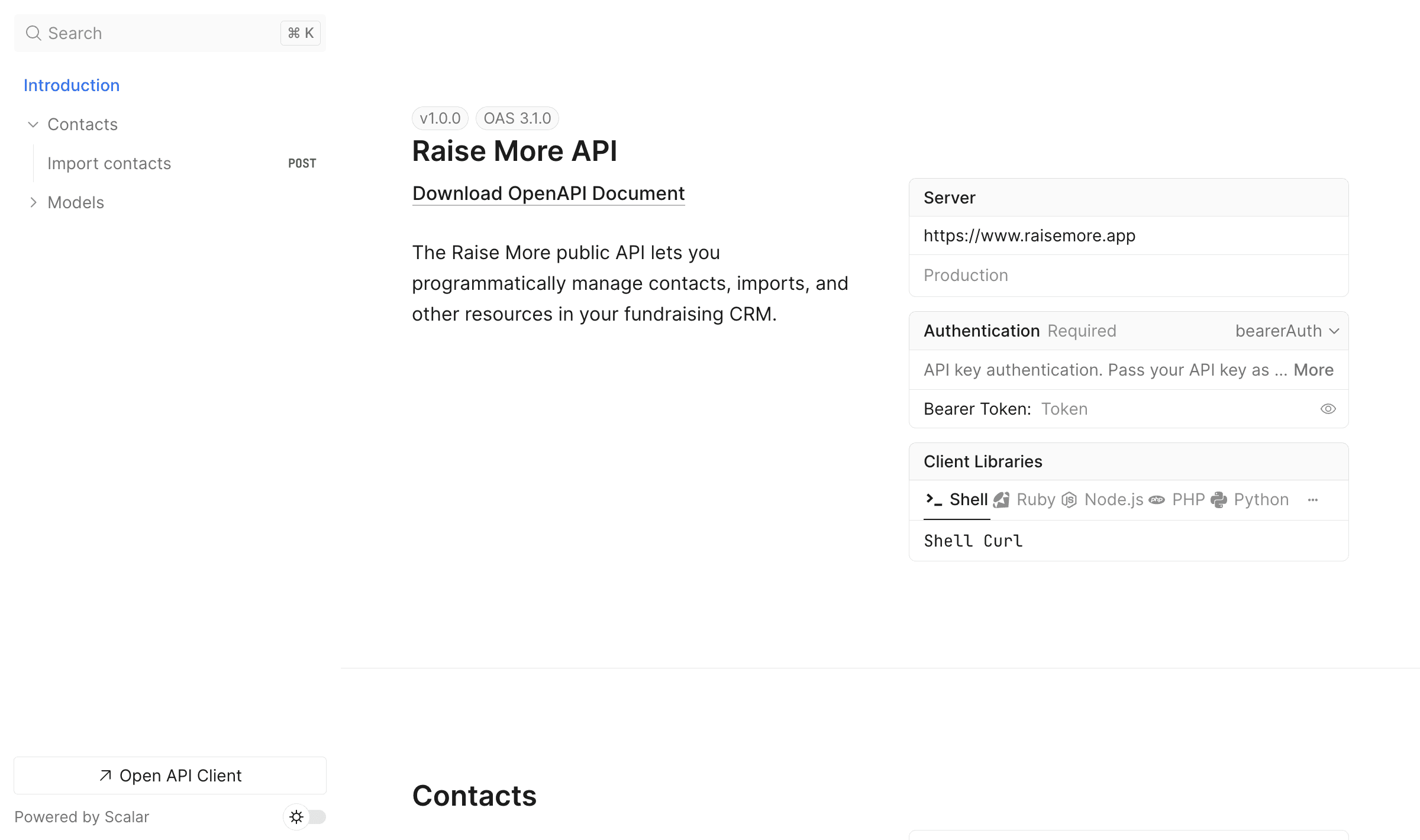
Build custom integrations with our public API
Build custom integrations to manage contacts, imports, and other CRM data. Create API keys in settings and get started with our full API reference documentation.
And that's just the start
Everything else your team gets with Raise More
Call time
More ways to join, fewer missed connections
Call from your browser
Join call time with your computer's microphone and speakers, with a dial pad for navigating phone menus.
Have the dialer call you
Raise More phones you to bring you into the session, so you can join from any phone.
Staff a session silently
Join without audio to run the dialer and take notes while your candidate does the talking.
Bring in a guest by phone
Add a participant to a live session by phone number, even if they don't have a Raise More login.
Your caller ID from the candidate's phone
Your candidate dials from their own phone, the donor sees the campaign number, and the call is logged automatically.
Automatic SHAKEN/STIR registration
New numbers are registered for call authentication automatically, which helps keep your calls from being labeled “Spam Likely.”
Call lists that keep your place
Split a search into several call lists, re-sort them, pick up where you left off, and start a second pass when you finish.
Printable call sheets
Turn any saved list into a printed sheet for call time away from a screen or prep before a meeting.
Call session reports
Look back at each session's length, calls and pledges to see what your team accomplished.
Texting
From the first bulk send to the last reply
Shared texting inbox
Read and answer donor replies from one inbox, with the donor's record and history right beside the conversation.
Alerts when donors text back
Get an email when a reply comes in, so you notice it even when you're away from the inbox.
Picture and video texts
Add photos and videos to bulk campaigns and one-to-one texts. Videos are compressed for you.
A/B tests and test batches
Try message variants on part of your audience, review the results, then send the winner to everyone else.
Send limits and cost estimates
See message type, segment count and estimated cost before you send. Cap a campaign and send to the rest later.
Built-in compliance checks
Opt-out wording is required, quiet hours are shown when you schedule, and Do Not Contact is enforced everywhere.
Start texting sooner
Use a temporary texting number while carrier registration is pending, or bring your own number and verify it by code.
Test, resend and fix delivery problems without a second tool
Email A/B testing
Test subject lines, preview text and From addresses on part of your list, then send the winner to the rest.
Resend to non-openers
Follow up with people who didn't open a campaign in one click, without rebuilding the audience.
Designed or plain-text emails
Build a designed email or switch to the simple editor when you want it to read like a personal note.
Preview and test sends
Preview on phone, tablet and desktop, and send a test to several teammates at once before it goes out.
Guided domain setup
Connect your campaign's sending domain through a guided DNS setup and send from verified addresses.
Suppression lists
Upload a spreadsheet of people to exclude from an email or text campaign audience.
Deliverability recommendations
A health check for 10DLC, SHAKEN/STIR, spam complaints, bounces and carrier errors, with 90-day trends and what to fix.
Engagement filters
Target follow-ups by email opens, link clicks and recent texting activity, with windows like “within the last 30 days.”
Reports
Answer your own questions without a spreadsheet
Chart builder
Pick your data, metrics, filters and time range to build bar, line, area, donut or table charts. No code required.
Reports
Combine saved charts and written context into one report for your finance committee or candidate.
From chart to data
Inspect the results behind any chart, download a CSV, or export it as a PNG for your next presentation.
SQL Editor (Beta)
Run your own queries over your campaign's data and download the results when you need more than the chart builder.
Dashboard
See fundraising trends for any time range, along with everything that happened in the last 24 hours.
Events
Fundraisers and house parties, tracked in your CRM
RSVP pages
Publish an event page, share the RSVP link, and send guests a confirmation email when they sign up.
Guest lists and check-in
Add guests from your contacts, update RSVPs, check people in at the door, and keep an eye on capacity.
Follow up with context
Add a suggested donation and link, see RSVPs on each donor's profile, and review every event's activity log.
Contacts
Richer records for every donor and organization
A specific ask for every donor
Record a personal ask amount, mark it one-time or monthly, and drop it into emails and texts with the {askAmount} merge field.
Organization contacts
Keep businesses and PACs in the same CRM as individual donors, without ever merging a person into an organization.
Email and text opt-in tracking
Record opt-in status on each email address and phone number, import it with your lists, and filter or export by it.
Legislative districts
Contacts are matched to their congressional, state house and state senate districts, so you can filter, sort and export by district.
Radius search
Find every contact within a set number of miles of an address, like the venue for next week's event.
Related contacts
Link spouses and colleagues as related contacts, or mark two records as “not duplicates,” without merging them.
Shared and private lists
Keep lists private, share them with selected teammates, or open them to your whole organization.
Parent and child organizations
State parties and caucuses can share data with their candidates and committees.
Data
Keep your file clean and take your data anywhere
Bulk editing
Edit, tag or update selected records, or every record that matches a filter, across nearly every table.
A better importer
Review and correct rows in a grid before importing, handle files with more than a million rows, download error files, and import call and note history.
Clean up an import
Remove the new contacts a mistaken import created, while keeping records that already existed.
Scheduled exports
Run exports daily or weekly, with custom fields, extra phones and emails, and call history included.
Exports to your cloud
Deliver exports straight to your own Google Cloud Storage bucket.
Donation source tags
Tag where gifts came from with nested tags, then filter, bulk-tag and export by source. Refunds are shown alongside the original amount.
Automatic pledge matching
Incoming donations fulfill matching pledges automatically, so your pledge chase focuses on what's still outstanding.
And more
Plus all the little things
- Dark mode
- See which teammates are online
- Organization-wide team chat
- Right-click and ⌘K actions
- Keyboard shortcuts
- Customizable, sortable columns with totals
- Share filtered views by URL
- First-time and repeat donor filters
- Relative date filters
- Missing ZIP codes filled in on import
- Pronouns field
- Average contribution field
- {firstNameOrFriend} and {prefix} merge fields
- Duplicate and archive templates
- Signup form in more languages
- API for donations, pledges, tags and lists
- Texting inbox on mobile
- Join a teammate's session from your phone
- Two-factor sign-in
Ready to get started?
Schedule a demo to see how Raise More can help your organization.
Schedule a DemoLearn more about Raise More: